

Kyndrify vs Seedance
Kyndrify vs Seedance compared honestly: a generative video model vs putting your own real face on camera, fast. See which one fits you.
Kyndrify vs Seedance
Choosing between Kyndrify and Seedance? Start with one question. Do you want you on screen?
These two tools both make video. But they aim at very different jobs.
Seedance 2.0 is a generative AI video model from ByteDance (per public info). You type a prompt. It creates a short cinematic clip. You can also feed it images or video as references.
Kyndrify is built for a different goal. One line sums it up: "Be on camera. Without the camera."
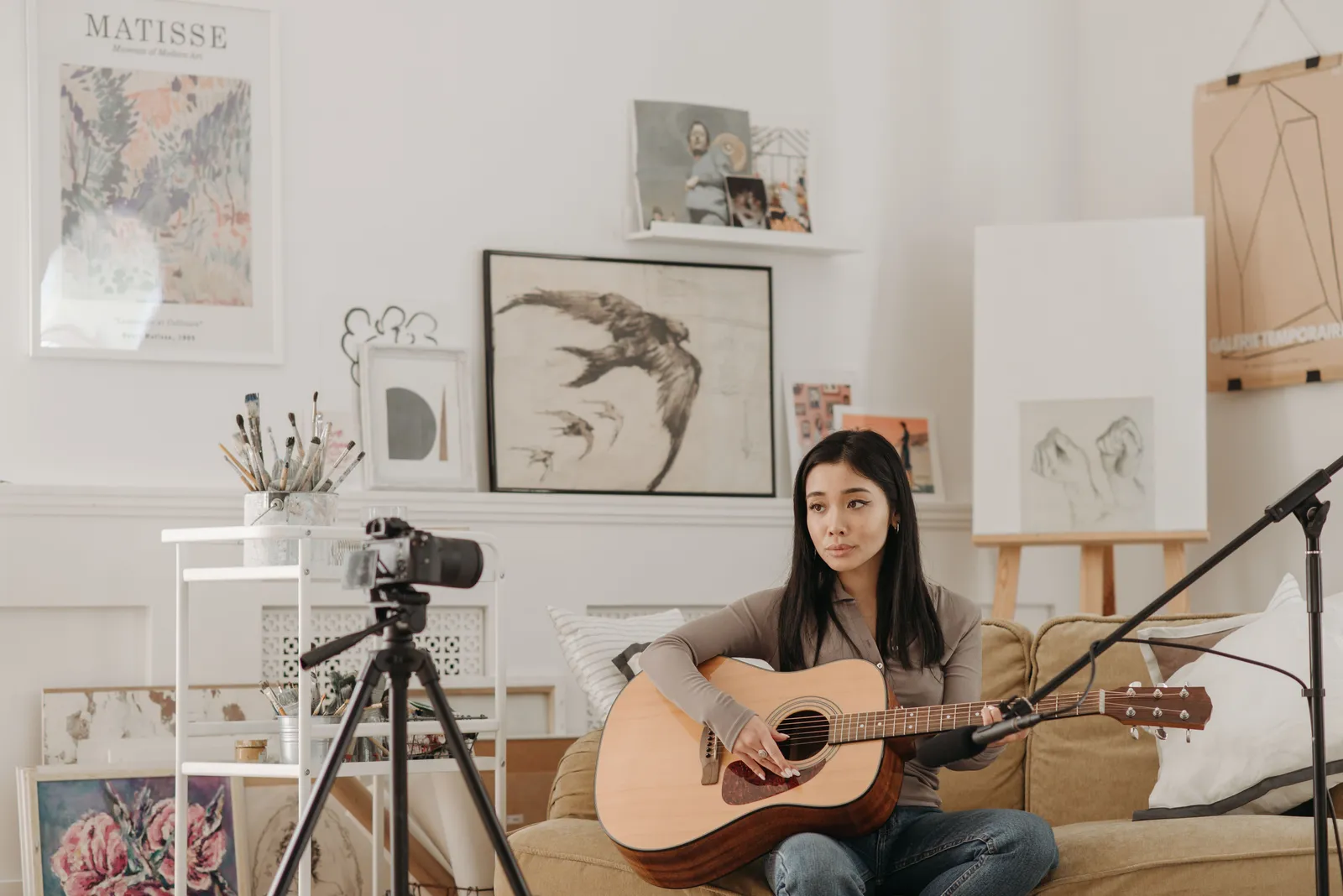
You build a Twin from your own real face and voice. You verify your consent. Then you make studio-quality video from a script. No filming. No studio. No retakes.
So this is not "better vs worse." It is generative clips vs your-own-face video. Here is how they compare.
Kyndrify vs Seedance at a glance
| What you care about | Kyndrify | Seedance 2.0 (per public info) |
|---|---|---|
| Core job | Realistic video of you from a script | Generative cinematic clips from prompts |
| Your real face on camera | Yes. Your own face and voice as a Twin | No. It generates scenes, not the real you |
| Prompt skill needed | Low. Prompt engineering is built in | High. Quality depends on your prompt |
| Speed | Renders in minutes | Roughly 30–90 seconds per clip; queues can grow at peak hours |
| Consistency | Steady, since it is your real likeness | Improved, but prompt-dependent across shots |
| Regional access | Web-based; supports named languages such as English, German, Chinese, and Spanish | Some region locks and access limits reported |
| Best for | Pros who want themselves on screen, fast | Creative, cinematic b-roll and concept clips |
| Pricing model | Free plan (no credit card) with preset avatars and voices; Plus adds custom Twins and up-to-1080p talking-head video — see pricing | Paid/credit tiers — see Seedance's site for current pricing |
The Seedance figures above come from public info and reviews of the model. Always check Seedance's own site for the latest details.

When Seedance is the better choice
Do you need a short, imaginative clip? Do you have time to prompt and re-render? Then Seedance is a strong fit.
Reach for Seedance when:
- You want cinematic b-roll. It makes dramatic scenes, motion, and mood from text (per public info).
- You enjoy prompt craft. Good output rewards careful prompting. If you like that, it pays off.
- You work from references. You can guide it with images, video, and audio (per public info).
- Your idea is a scene, not a person. Think landscapes, products in motion, or concept art.
- A render or two is fine. You have room to wait in a queue and try again.
In short, Seedance is built for creative range. It shines when the clip itself is the star.
When Kyndrify is the better choice
Do you want talking-head video in your own face? Do you want it fast, with no prompt homework? Then Kyndrify makes more sense.
Choose Kyndrify when:
- You want you on screen. Kyndrify builds a Twin from your real face and voice. The video looks and sounds like you.
- You don't have time to prompt. Prompt engineering is built in. Write your script. Press go.
- Speed matters. Renders land in minutes. No long queues. No peak-hour waits.
- You need a steady look. Your Twin stays consistent across every video, every time.
- Trust matters. Real-person Twins need current consent before rendering, and withdrawn or expired consent blocks new renders. Kyndrify is rolling out signed Content Credentials and invisible provenance, though they are not yet guaranteed on every file. Kyndrify does not use your photos, voice, scripts, or finished media to train a Kyndrify model.
- You want to start free. There is a free plan with no credit card. Plus adds custom Twins and up-to-1080p talking-head video (see pricing).
Kyndrify is an all-in-one tool. It makes talking-head video and more in supported languages such as English, German, Chinese, and Spanish. Free renders use preset avatars and voices; own-face rendering is on Plus and above.
The time-value lens
Busy pros pay in time, not just dollars. Three hidden costs add up with a pure generative model.
- Queue waits. Clips can take 30–90 seconds each. Queues can double at peak hours (per public info).
- Re-renders. A weak prompt means trying again. Each retry burns time and credits.
- Prompt learning. Great clips need real prompt skill. That learning curve is a cost too.
Kyndrify removes those steps. Prompt engineering is built in. Renders take minutes. You press go and move on.
The honest bottom line
Seedance and Kyndrify are not really rivals. They solve two different problems.
- Pick Seedance for cinematic, prompt-driven clips. It is great when the scene is the point and you have time to refine.
- Pick Kyndrify when you want yourself on camera, fast. It uses your real face and voice, asks for consent, and is rolling out signed Content Credentials and invisible provenance, though they are not guaranteed on every file.
Seedance is a powerful generative video model for creative work (per public info). But it is not built to put your real face on camera consistently. It also needs prompt skill. For the busy pro who wants talking-head video, Kyndrify is the better fit.
FAQ
Is Kyndrify a Seedance 2.0 alternative? For one job, yes. Do you want video of yourself talking on camera? Then Kyndrify is the better tool. Seedance makes generative scenes, not your real face (per public info).
What's the main difference between Kyndrify and Seedance? Seedance generates cinematic clips from prompts. Kyndrify makes realistic video of you from a script. One builds a scene. The other puts your real face on camera.
Does Seedance use my real face? No, not as a consistent on-camera presence. It generates video from text and references (per public info). Kyndrify builds a Twin from your own real face and voice.
Which is faster for talking-head video? Kyndrify. It renders in minutes with no prompt homework. Seedance clips run about 30–90 seconds each, and queues can grow at peak hours (per public info).
Is there a free way to try Kyndrify? Yes. Kyndrify has a free plan with no credit card. Plus adds custom Twins and up-to-1080p talking-head video. See the pricing page for current details.
Want yourself on screen without the camera? Build a Twin from your own face and voice. Make your first video free. No credit card. No filming. Explore plans on the pricing page.
Related reading
More from Kyndrify


Make your first video without filming.
Say what you need and the studio makes it: video, images, voices. Start free, no credit card.