

AI Impersonation Response Plan for Small Businesses
Build a small-business AI impersonation response plan. Verify requests, protect evidence, notify affected people, and practice with a safe tabletop exercise.
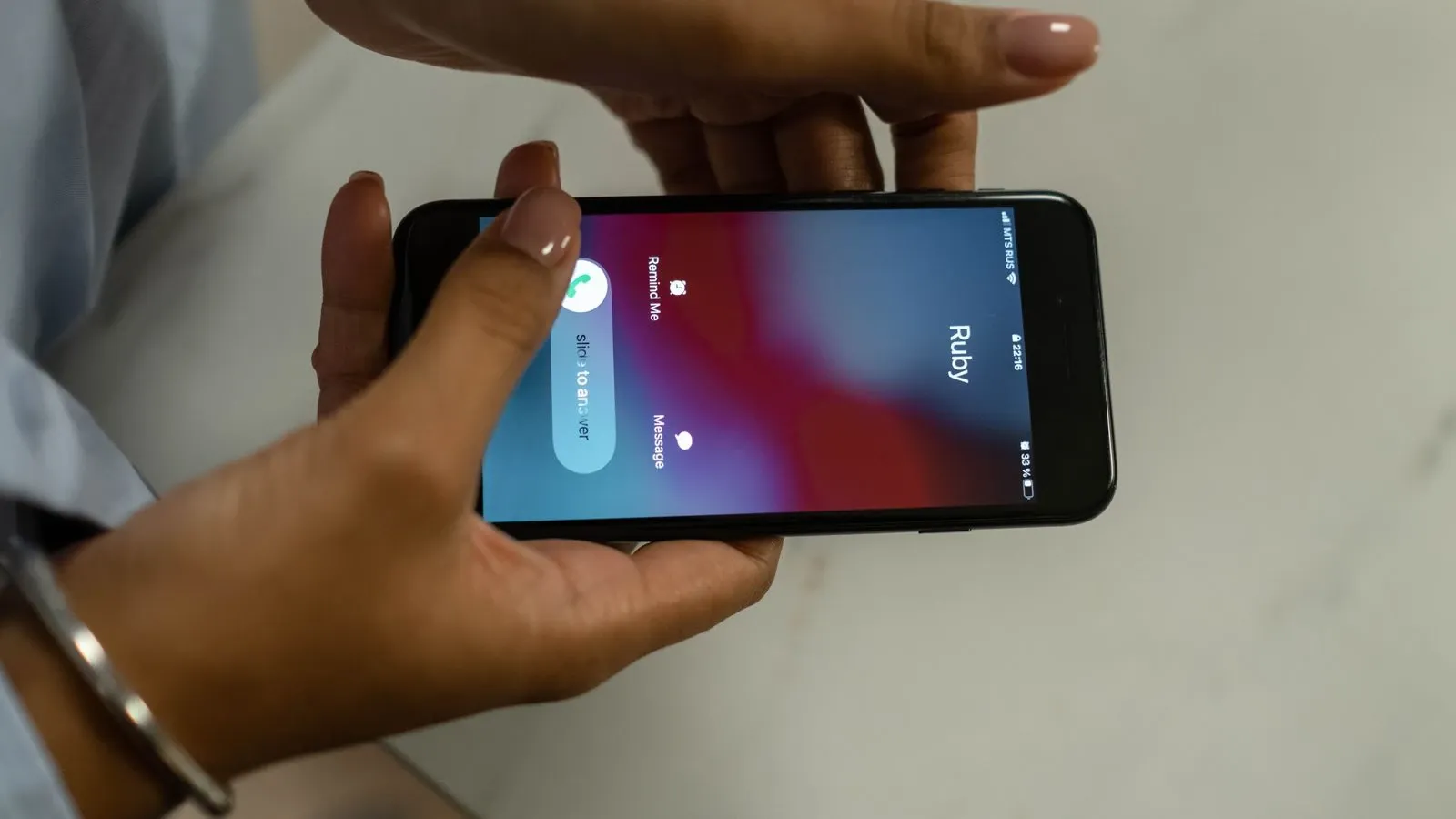
A fake video of your finance lead can arrive in one afternoon. A cloned voice can ask your bookkeeper to pay a new vendor. Small firms lose time and money when a single urgent message bypasses normal checks. This guide gives you a simple plan to pause, verify, preserve, report, and correct. It also gives you a response log and a fictional drill you can run with your team.
The plan below is original editorial advice. It is not legal advice, and no checklist can stop every attack. Laws and platform rules vary by place and change over time.
Why a Plan Matters
Scammers can use voice cloning to make a call sound like someone you know. The US Federal Trade Commission warns that these fake emergency calls feel familiar and urgent (FTC article on fake emergency scams). A busy owner hears a trusted voice, feels pressure, and acts before checking.
A written plan removes the need to invent a response under stress. It names who can approve payments, who checks identity, and who talks to the bank or platform. It also tells staff to slow down without blaming them for a near miss.
The Core Rule: Pause Sensitive Actions
The first step is always the same. Stop any payment, data export, login change, or public statement that the suspicious message requests. Use the approved urgent-request path if a delay could cause harm. Urgency must not remove the identity and approval checks.
Tell the person handling the request: "We are pausing this while we verify." Do not argue with the caller or sender. Do not promise a quick release of funds. Just stop the action and start the log.
Step 1: Start a Response Log
Open a shared document or a paper form. Record:
- Date and time of the message
- Channel: call, video, email, chat, or voicemail
- What the person claimed and requested
- Who received it and who else saw it
- Any file names or links
- Actions taken and the time of each action
Keep the log factual. Write "caller asked for a wire to Vendor A" rather than "scam call." You may not know yet whether the message is fake.
Step 2: Verify Through a Known Independent Route
Never verify using the phone number, email address, or account that delivered the request. The FTC advises checking with a known independent phone number, not the route the caller gave you (FTC article on fake emergency scams).
Use a verified number already held in your business records, or speak in person where practical. A second chat channel can help, but its account may also be compromised. Private trivia is not proof of identity: an attacker may know past conversations. Follow the business approval process as well as checking the contact route.
A private code word can help, but treat it as one check among several. Code words can be leaked, guessed, or extracted through social engineering, so they should never be the only thing standing between a request and a payment. For payments and other sensitive actions, use a known independent callback plus your established business approval policy. If the amount is above your threshold, require a second authorized approver before anything moves.
If the person is unreachable, the request stays paused until you can reach them or until your pre-approved escalation path kicks in. That path should name an alternate approver who can confirm or deny the request through a separate route. It should never mean bypassing the control because someone is away.
Step 3: Preserve Evidence Without Spreading the Clip
Preserve the message, voicemail, video file, or screenshot through your trusted platform or security process. Do not open or download suspicious attachments yourself; ask your IT support or security contact to help capture what you need safely. Keep the preserved material in a folder that only a few people can open, and record only the personal data you actually need for the response. Limit access to that folder.
Do not forward the clip around the office. Do not post it on social media to warn others. Sharing a fake video can amplify the harm. It may also expose personal information or sensitive details about the people shown, which can cause real damage even when the clip itself is fake.
If the file came through a platform, use the platform's report tool. Many platforms let you flag impersonation or fraud. Keep a note in your log with the report reference number.
Step 4: Contact the Platform and Affected Parties
If the fake message used your company name or an employee's likeness, tell the platform. Ask for removal or a label. Keep your request short and factual.
Then contact anyone who may have received the same message. This could be your bank, your payroll provider, a key client, or your own staff. Say: "We are aware of a suspicious message claiming to be from [name]. Do not act on it. Contact us through our normal channels."
Do not promise that the platform will remove the clip quickly or at all. Platform rules and response times vary.
Step 5: Verify Any Correction
If the attacker posted a fake public statement, you may need to publish a correction. First, confirm the correction with the real person through your independent route. Then post a short notice on your own website or verified account. Say what is false and where to find the truth. Do not link to the fake clip.
If a payment went out before the pause, contact your bank immediately. This guide does not promise financial recovery. Outcomes depend on the bank, the payment method, and timing.
What Provenance Tools Can and Cannot Do
Some files carry content credentials, a record of where the file came from and how it was edited. The C2PA standard describes this as tamper-evident provenance associated with a file (C2PA explainer). That means the record resists silent changes.
But valid provenance does not prove that what the video shows is true. A real recording of a staged scene can carry valid credentials. Provenance can also be incomplete. A file with no credentials is not automatically fake. And after someone edits or reposts a file, you cannot assume the credentials survive intact (C2PA explainer).
Treat provenance as one clue, not a verdict. No detection tool can certify truth.
A Simple Risk Lens
The NIST AI Risk Management Framework offers voluntary guidance for managing AI risks. Its four functions are Govern, Map, Measure, and Manage (NIST AI Risk Management Framework). It is not a certification, a legal duty, or proof that any vendor is secure.
You can borrow that lens without adopting the whole framework. Govern means decide who owns the impersonation plan. Map means list where a fake voice or video could hurt you: payments, payroll, client data, public statements. Measure means test your team with a drill. Manage means update the plan after each test or real event.
Response Checklist
Use this table during any suspected impersonation. Print it or keep it in your shared drive.
| Step | Action | Done? |
|---|---|---|
| 1 | Pause the requested payment, transfer, or change | ☐ |
| 2 | Start the response log with time, channel, and request | ☐ |
| 3 | Contact the real person through a saved, independent route | ☐ |
| 4 | Ask a question only the real person would know | ☐ |
| 5 | Preserve the file or message through your trusted platform or IT process | ☐ |
| 6 | Do not forward or post the clip | ☐ |
| 7 | Report the account or file to the platform | ☐ |
| 8 | Notify the bank or affected parties if needed | ☐ |
| 9 | Confirm any public correction with the real person first | ☐ |
| 10 | Review the log and update the plan | ☐ |
Fictional Worked Example
Company: Bright Day Cleaning, a 14-person office cleaning firm. This scenario is fictional and included to show how the steps work.
Event: On a Tuesday at 4:50 p.m., the bookkeeper, Ana, gets a voicemail. The voice sounds like the owner, Mark. It says: "Ana, it's Mark. I'm stuck in a meeting with a new supplier. Send the deposit to the account I just emailed you. It's urgent. Don't call my cell, it's dead." The requested amount is fictional: $4,800.
Step 1: Ana pauses the payment. She opens the response log and records the time, the caller's number, and the request.
Step 2: Ana does not call the number from the voicemail. She calls Mark's saved office line. No answer. She sends a message in the team's existing chat app. Mark replies: "I'm at a client site. I did not leave that voicemail."
Step 3: Ana asks IT to preserve the voicemail file in the restricted finance folder. She does not forward it to the team chat.
Step 4: Ana reports the caller's number to the phone carrier's spam tool and notes the reference number. She tells the office manager, who alerts the bank that a fraudulent payment request was attempted.
Step 5: In this fictional case, the request stayed in a private voicemail and no payment went out. After checking who received it, the team decides that a public notice is not needed. The team reviews the log at the next weekly meeting. They decide to require a second approver for any payment request over $2,000, in addition to the existing callback check.
Result: The fake request failed because Ana paused and used a known route. The review took about 20 minutes.
Edge Cases to Decide in Advance
What if the real person is on vacation and unreachable? The request stays paused until you can reach them or until your pre-approved alternate approver confirms or denies it through a separate route. Write this rule down before it happens. Never treat an unavailable person as a reason to skip the control.
What if the fake message targets a client, not your staff? Contact the client through your normal account manager. Offer a short statement they can share. Do not ask them to forward the fake clip to you.
What if the message is a live video call, not a recording? End the call politely. Say you have a bad connection. Then verify through your independent route. A live fake is still a fake.
What if the file has content credentials that look valid? Treat that as one clue. Still verify with the real person. Credentials do not prove the scene is genuine (C2PA explainer).
What if a staff member already acted on the request? Do not punish them publicly. Start the log, contact the bank or platform, and review what made the request convincing. Update the plan.
Run a Fictional Drill
A drill can help your team practice the plan, but it must be set up carefully. Get approval from management first. Tell participants they are taking part in a tabletop exercise, and get their consent. Use a fictional script with a made-up name and a clearly fictional scenario. Do not clone a real person's voice, do not make real transfers or password resets, and do not run a covert test against staff who do not know it is an exercise.
Pick a quiet afternoon. Give one staff member a fictional script: a suspicious voicemail asking for a password reset or a small urgent payment. Make sure everyone in the room knows the scenario is fictional before it starts.
Walk through what happens. Does the target pause? Do they use a saved number? Do they start a log? After about 15 minutes, stop and discuss.
Review the drill with simple yes-or-no questions:
- Did the target pause the action?
- Did they avoid the attacker's supplied contact route?
- Did they reach the real person through a known route?
- Did they preserve evidence without sharing it?
- Did they log the event?
Do not turn the answers into a pass/fail score. Instead, review each missed step and talk about why it happened. A missed step shows where to add training or clarify the plan. Run the drill again in three months and compare what changed.
Three Short FAQs
Can a detection tool tell me if a video is fake? No tool can certify truth. Some tools flag signs of editing, but they make mistakes in both directions. Use them as one clue, never as the final word.
Should I post the fake clip to warn others? No. Sharing it can spread the harm and may expose personal information or sensitive details about the people shown. Report it to the platform and notify affected people directly.
Does having content credentials mean a file is real? No. Credentials can show where a file came from, but they do not prove the scene is true. A staged video can carry valid credentials (C2PA explainer).
Related Reading
- AI Avatars vs Deepfakes: What Business Owners Should Know
- Is AI Video Privacy Friendly?
- What Is C2PA Content Credentials?
Your Next Action
Open a blank document today. Write the names of two people who can approve payments over a set amount, plus one alternate approver for when someone is away. Add the saved phone numbers you will use to verify each other. Share the document with your team. That one page is the start of your AI impersonation response plan.
More from Kyndrify



Make your first video without filming.
Say what you need and the studio makes it: video, images, voices. Start free, no credit card.