

AI Video for Podcasters
Learn how podcasters can make source-checked host videos with a verified Twin while reviewing guest rights, sponsor claims, and disclosure.
AI Video for Podcasters
A podcaster can use an approved host Twin to deliver a source-checked episode introduction, trailer, or general show update. Guest clips, guest names or likenesses, transcript quotes, music, sponsor language, product claims, episode dates, links, and synthetic scenes need separate rights, consent, evidence, disclosure, and distribution review. This article explains what a consent-based AI video tool can do for your show today. It also covers where the boundaries sit and how to build a repeatable release record.
What a consent-based Twin can do for your show
Kyndrify documents a workflow where you create a verified face-and-voice Twin. You start with a headshot and a short voice clip. Once the Twin is approved, you supply a script. Each Render produces a download and a hosted link. Longer scripts can be split and stitched. The tool records your consent. Plans use a shared credit balance, and pay-as-you-go credit packs are also available. Signed Content Credentials and invisible provenance are rolling out and are not guaranteed on every file. These facts come directly from the official Kyndrify pricing, Terms, and Responsible AI pages.
- Pricing and credits: Kyndrify pricing
- Terms and safeguards: Kyndrify Terms
- Responsible AI: Kyndrify Responsible AI
The pages do not document render speed or podcast templates. They also do not document audiogram generation, B-roll, or AI images. Free renders use preset avatars and voices; own-face rendering starts on an eligible plan such as Plus. Guest workflows and multi-host workflows are not documented. Platform integrations, analytics, and audience outcomes are not documented either. Treat those features as unconfirmed until you see them on an official Kyndrify page.

Where a host Twin fits
A show may need a short host update in video form. A consent-based Twin can read an approved host script. This avoids a new camera take for that one clip. It does not make guest clips, music, art, or sponsor copy safe to use. Those items still need their own review.
A practical decision framework
Not every piece of a podcast episode carries the same risk. Use the tiers below to decide what you can produce with a host Twin. They also show what needs extra clearance.
- General show logistics. A host-only message about the show’s topic, format, or release rhythm. This is the safest starting point.
- Host-only episode description. A trailer or recap that summarizes the episode in the host’s own words. It does not quote a guest or read a transcript excerpt.
- Transcript quote or excerpt. Reading a verbatim line from the episode. The quote may need the guest’s review and permission. The clip should include the episode date and context.
- Guest identity, voice, or clip. Any use of a guest’s name, likeness, or recorded voice requires separate consent. A host Twin cannot stand in for a guest.
- Sponsor or affiliate message. Endorsements must be truthful and not misleading. The Federal Trade Commission states that material connections should be disclosed. Read the FTC’s endorsement overview and Q&A before publishing.
- Product or outcome claim. Any claim about a product, service, or result needs adequate evidence. The FTC requires that endorsers not repeat claims that lack required proof.
- Third-party music or art. Background music, sound beds, and artwork need their own license or permission. A Twin clip does not include these rights by default.
- Realistic synthetic scene. If the video makes a real person appear to say or do something they did not, YouTube’s altered or synthetic content policy requires disclosure. Creators using outside AI tools make the disclosure during upload when the policy applies.
Podcast-promo release record
Before you publish a promo, fill out a short release record. This keeps your team aligned. It also gives you a paper trail if a question arises later.
- Show title, episode number, and version
- Host name and rights owner
- Target audience and distribution channel
- Script source (original, transcript excerpt, sponsor copy)
- Transcript timecode if quoting the episode
- Clip and music rights status
- Guest release or approval decision
- Sponsor instructions and material connection disclosure
- Claim evidence and supporting links or dates
- Synthetic-scene decision and platform disclosure
- Final approval date
- Expiry or takedown date
- Archive location and takedown owner
Fictional episode-route script
Below is an illustration. It contains no real guest, quote, sponsor, product claim, release date, platform, link, or outcome. Use it as a template only.
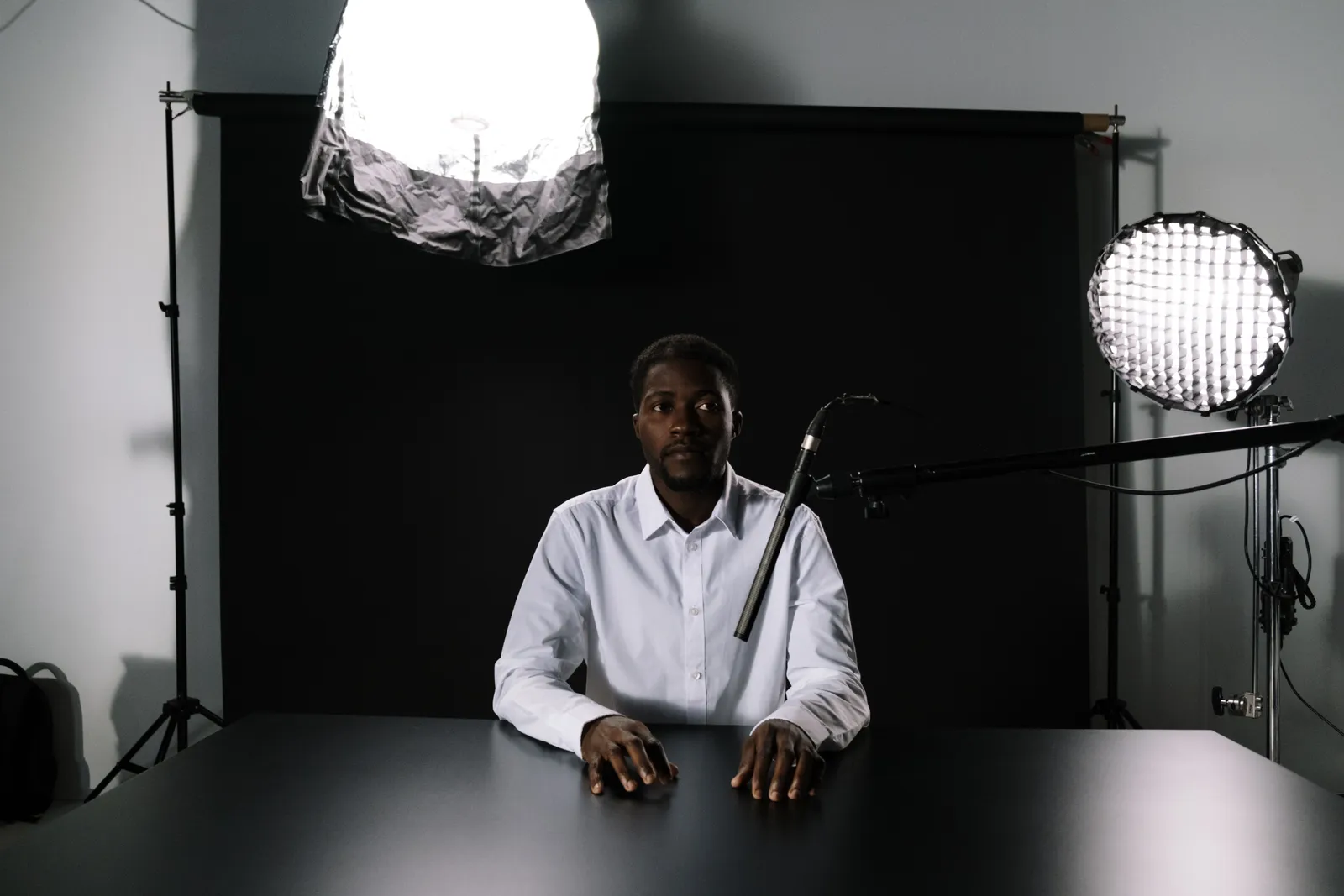
Episode trailer (host-only, 45 seconds)
[Host Twin on screen, plain background]
“This week on [Show Name], the host looks at [Topic A] and [Topic B]. The episode covers [Point One], [Point Two], and [Point Three]. Check [Approved Show Page] for the latest episode date and link.”
Consent, permission, and disclosure
Consent to record a show and consent for a new synthetic use are distinct review points. The same is true for a cloned voice, an edited quote, or a promo use. A contract, release, local rule, and planned channel may change the answer. Record the scope you rely on. Seek advice when that scope is not clear.
C2PA Content Credentials and AI disclosure labels tell viewers that a piece of content was AI-assisted. They do not prove guest permission. They do not prove clip or music rights. They do not prove sponsor compliance, claim support, platform disclosure, or copyright ownership. The U.S. Copyright Office notes that AI-assisted human work is not automatically excluded from copyright protection. But prompts alone do not provide sufficient human control under the Office’s analysis. Do not treat that as a conclusion about ownership of any single recording, transcript, clip, script, music bed, or synthetic output.
Compact cost-input list
Write down the number of approved scripts. Check the current credit use for each Render on the pricing page. Add time for the source check, guest review, sponsor review, script edit, final watch, and later updates. Use your own current inputs. Do not use an old price or a made-up total.
A simple final check
Read the script out loud. Check each name, date, and link. Mark each guest line. Mark each claim from a sponsor. Check the source for each fact. Check the rights for each sound and image. Remove an item if its status is not clear.
For a structured way to test your host Twin's accuracy, see TTGC's guide on how accurate a digital twin avatar can be.
Make the clip from the approved text. Watch it from start to end. Check the voice and face. Check each cut. Add the right label for the site. Save the script, file, source notes, and review date. Set a date to check the clip again. Name the person who can fix or remove it.
Pricing snapshot (26 September 2026): Kyndrify plans use a shared credit balance, and pay-as-you-go credit packs are also available. The current offer includes a no-card Free plan with preset avatars and voices; own-face rendering requires an eligible plan such as Plus. Visit the Kyndrify pricing page for current plans and allowances.
Frequently asked questions
Can I use my Twin to promote an episode that features a guest? You can use your Twin for an approved host-only message. If the promo uses the guest's name, face, voice, or exact words, run the planned use through a separate rights and consent review. Check the release and channel rather than assume a broad rule.
Does the AI disclosure label cover all my legal obligations? No. C2PA Content Credentials and AI disclosure show that the content was AI-assisted. They do not replace guest permissions, music licenses, sponsor disclosures, claim substantiation, or platform-specific rules. Review each obligation independently.
What should I check before posting a Twin clip on YouTube? If the clip makes a real person appear to say or do something they did not, YouTube’s altered or synthetic content policy requires disclosure during upload. The policy applies even when you use an outside AI tool. Read the current YouTube help page before you publish.
Can I turn a transcript quote into a promo without asking the guest? Review the release, quote, context, and planned channels. A written approval for the exact use can make the record clear. Do not assume one rule fits each show, deal, or place.
What features are not documented on Kyndrify’s official pages? As of the 26 September 2026 check, Kyndrify’s official pages do not document render speed or podcast templates. They also do not document audiogram tools, B-roll, or AI images. Free renders use preset avatars and voices; own-face rendering starts on an eligible plan such as Plus. Guest workflows and multi-host support are not documented. Platform integrations, analytics, and audience outcomes are not documented either. Confirm any feature you need on the official site before you buy.
Keep your promos safe and watchable
A consent-based Twin can remove the camera from your weekly promo workflow. The real work sits upstream. Decide what you have the rights to say. Get clear permission for guest material. Check sponsor language. Label synthetic content correctly. Build a release record for every promo. Revisit the official Kyndrify pages for current pricing and features. Then write a short, host-only script. Let your Twin deliver it while you focus on the next episode.

This article provides general information and does not constitute legal advice. Consult a qualified professional for guidance specific to your show, jurisdiction, and distribution platforms.
Related reading
More from Kyndrify


Make your first video without filming.
Say what you need and the studio makes it: video, images, voices. Start free, no credit card.