

AI Avatars vs Hiring a Video Editor: A Fair Guide
Compare AI avatars and freelance video editors. See costs, speed, and quality. Learn which fits your everyday business video needs.
AI Avatars vs Hiring a Video Editor: A Fair Guide
Need business video but unsure how to make it? The choice often comes down to AI avatars vs video editor. You have two main paths. You can hire a freelance video editor. Or you can use an AI avatar tool.
Both work well. But they fit different needs. This guide compares them fairly. We look at speed, cost, control, and quality.
Let's help you pick the right one.
What is an AI avatar?
An AI avatar is a digital version of a person. It speaks, moves, and talks on camera. You write a script. The avatar says it for you.
With Kyndrify, you build a Twin. It uses your own real face and voice. The idea is simple. You can "be on camera. Without the camera."
It is consent-based. Kyndrify is rolling out signed Content Credentials and invisible provenance, so disclosure is not yet guaranteed on every file. Check the Responsible AI page for current coverage.
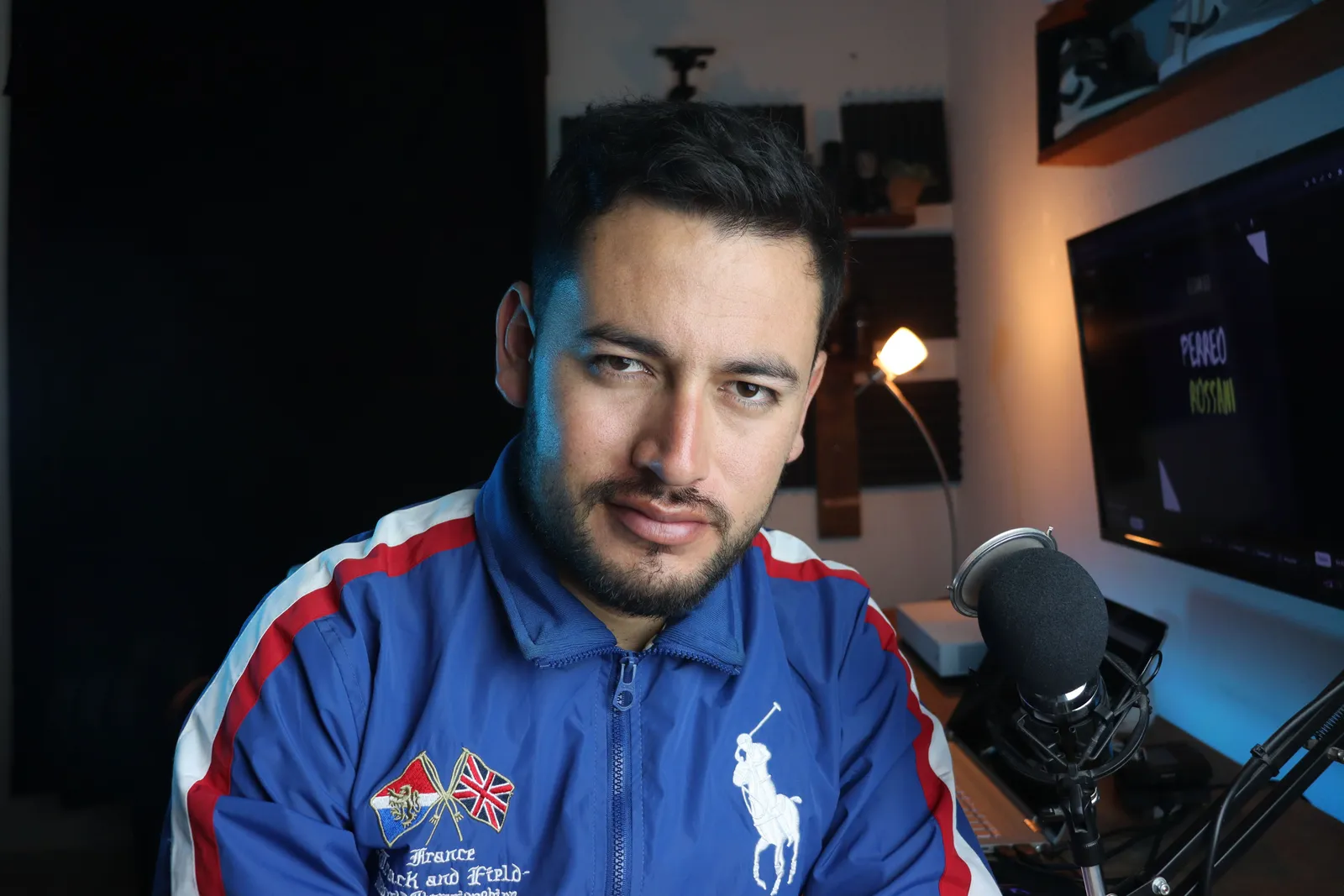
What does a freelance video editor do?
A video editor turns raw footage into a finished video. They cut clips, add music, and fix color. They handle transitions and effects too.
Editors bring skill and a human eye. They polish your work. They also shape the story and pace.
But you must supply footage first. You also need to film it yourself.
How do they compare on speed?
AI avatars are faster. You type a script and get a video in minutes. There is no filming and no waiting.
Editors take more time. You schedule the work. Then you wait for a first draft. Revision rounds add more days.
Here is the short version:
- AI avatars: minutes, on your schedule.
- Editors: days or weeks, on their schedule.
How do they compare on cost?
AI avatars cost less per video. You make many videos for one flat plan. There is no per-project fee.
Editors charge per project or per hour. Each new video means a new cost. Extra revisions can cost more too.
Kyndrify offers a free tier. You need no credit card to start. Paid plans add more tools and output options. Commercial use depends on your rights and current plan terms, so confirm both before publishing. See the current options on our pricing page.
How do they compare on edits and revisions?
AI avatars give you unlimited edits. Change a word and remake the video fast. You stay in full control of timing.
Editors limit revisions. Most quotes include a set number of rounds. More changes mean more cost or delay.
This matters for busy teams. Scripts change often. With an avatar, updates take minutes.
How do they compare on quality?
Editors win on high-end polish. They craft custom, cinematic work. They handle complex edits with care.
AI avatars deliver clean, consistent results. The faces look realistic. The lip-sync is smooth.
So the answer depends on your goal. For premium brand films, hire an editor. For regular content, an avatar works great.
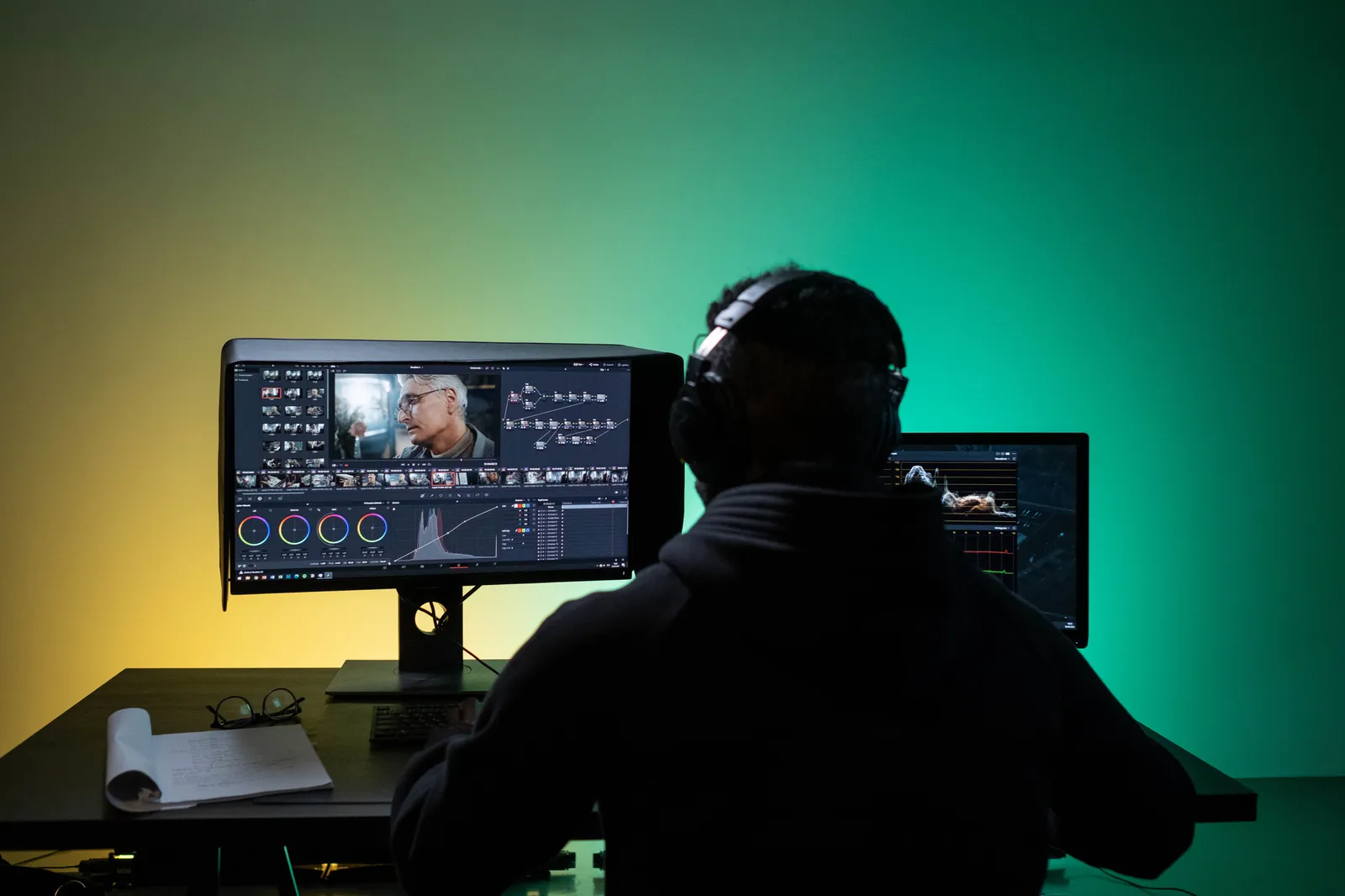
Is Kyndrify just an editing tool?
No. Kyndrify is an all-in-one platform. It covers creation and edits in one place. You do not need a second tool.
Here is what it includes:
- Talking-head and lip-sync video.
- Voice cloning from your own voice.
- An Ad Creator for marketing.
- Product photos and AI images.
- B-roll for extra footage.
- Built-in prompt engineering.
- Support for ten spoken languages.
You make the video and refine it yourself. One place. No back-and-forth.
When should you hire a video editor?
Hire an editor for complex, high-end projects. Their skill is worth it for big moments. Choose them when the work demands a human touch.
Good times to hire an editor:
- A flagship brand film.
- A cinematic ad with custom effects.
- A documentary-style story.
- Footage that needs heavy cleanup.
These jobs reward craft and time. An editor delivers that polish.
When should you use an AI avatar?
Use an avatar for everyday business video. It fits regular, high-volume needs. It saves time and money.
Good times to use an avatar:
- Marketing and social clips.
- Training and onboarding videos.
- Product updates and explainers.
- Multilingual content for global teams.
These jobs need speed and volume. An avatar covers them with ease.
A quick side-by-side
Use this table to compare at a glance.
| Factor | AI avatar (Kyndrify) | Freelance editor |
|---|---|---|
| Speed | Minutes | Days to weeks |
| Cost | Flat plan | Per project |
| Edits | Unlimited | Limited rounds |
| Control | You set timing | Depends on schedule |
| Filming | None needed | Required |
| High-end polish | Good | Best |
| Scope | Full creation suite | Editing only |
What about the time-value lens?
Think about your time as money. Every hour spent waiting has a cost. Delays slow your whole pipeline.
AI avatars give time back. You skip filming, scheduling, and revision waits. You publish on your own clock.
For everyday needs, that speed adds up. Faster video means faster results.
Frequently asked questions
Can an AI avatar replace a video editor?
For everyday video, yes. It handles creation and edits in one tool. For high-end custom work, an editor still leads.
Does Kyndrify use my real face and voice?
Yes. You build a Twin from your own face and voice. The process is consent-based.
How will viewers know a video uses AI?
Kyndrify is rolling out signed Content Credentials and invisible provenance. They are not yet guaranteed on every file, so check the Responsible AI page for current coverage.
How many languages does Kyndrify support?
Kyndrify documents ten spoken languages for talking-head video and dubbing. This helps you reach global audiences. You can localize content fast.
Is there a free way to try it?
Yes. Kyndrify has a free tier. You need no credit card to start.
The bottom line
Both paths have a place. Editors shine for complex, premium projects. They bring craft and a human eye.
But most business video is regular and frequent. For that, an all-in-one tool wins. Kyndrify covers creation and edits together.
You get speed, low cost, and full control. You also get a complete suite, not just editing. For everyday needs, that is hard to beat.
Want to make video without the camera? Try Kyndrify's free tier today.
Related reading
More from Kyndrify


Make your first video without filming.
Say what you need and the studio makes it: video, images, voices. Start free, no credit card.