

AI Avatars vs Animation: Which Fits Your Video?
AI avatars vs animation, made simple. Learn when realistic AI video wins, when cartoons work better, and how to pick the right style.
AI Avatars vs Animation: Which Fits Your Video?
Both can carry your message well. But they feel very different on screen. This guide breaks down the choice in plain terms. You will know which one fits by the end.
What is the core difference?
Animation shows a drawn world. AI avatars show a real human face.
Animation uses cartoon characters, icons, and motion. Nothing on screen is a real person. It feels designed and stylized.
A realistic AI avatar is different. It is a video of a real human face. With Kyndrify, that face is your own. We call it a Twin. You appear on camera without filming.
That is our whole idea: be on camera, without the camera.
When should you use animation?
Pick animation when no real person is needed.
Cartoons shine for abstract or technical ideas. They can show things you cannot film. A drawing can become a rocket, a brain, or a flowchart.
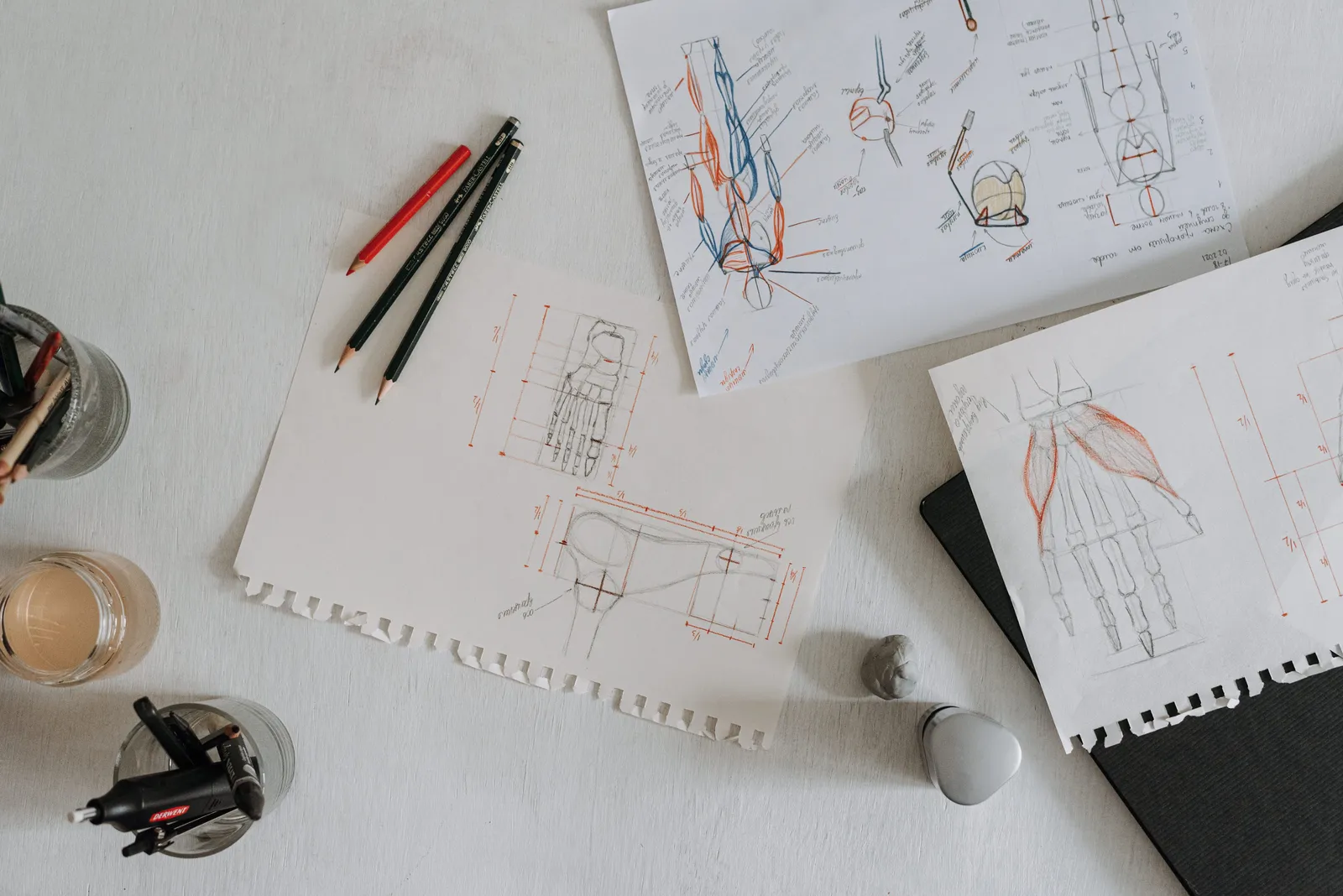
Use animation when you want:
- A playful or fun brand tone
- Abstract concepts made simple
- Scenes that are hard to film in real life
- A look with no human face
- Bright, stylized visuals
Explainer videos often use this style. So do product demos with lots of moving parts.
When should you use a realistic AI avatar?
Pick a realistic avatar when trust matters most.
People trust faces. A real human presence builds connection fast. That is hard for a cartoon to match.
Use a realistic AI avatar when you want:
- A strong personal brand
- A real face people recognize
- Warm, human delivery
- Sales, coaching, or leadership messages
- Training that feels personal
Your face signals "a real person stands behind this." That trust can lift results.
Which feels more personal?
A realistic AI avatar feels more personal. It shows a real you.
Animation can charm and entertain. But it keeps some distance. Viewers know they watch a drawing.
A Twin removes that gap. Your audience sees your actual face. They hear your message from you. The bond feels direct.
This matters for founders and creators. Your face is part of your brand.
How does Kyndrify fit in?
Kyndrify makes realistic video of your own real face.
We do not make cartoons. We make a Twin of you. You record once, then create video any time.
Here is what you get:
- An all-in-one tool for realistic video
- Realistic-face models, not avatars that look fake
- Your own face, fully under your control
- Support for ten spoken languages
So you can speak to global audiences. Your Twin keeps your look in every language.
Is this approach safe and ethical?
Yes. Consent sits at the center of our process.
You must approve your own Twin. No one can clone you without permission.
We also use C2PA content credentials. Signed credentials and invisible provenance are rolling out, so they are not yet on every file. Viewers can see how a video was made when that data is present. That builds honesty into every clip.

Can I try it without paying?
Yes. Kyndrify offers a free tier.
You can start with no credit card. Free renders use preset avatars and voices. You can build one Starter Twin and view a short preview, but rendering your own face needs an eligible plan such as Plus.
Need commercial rights for business use? Confirm current Terms and plan eligibility. We keep current details on our pricing page. Check pricing for the latest.
How do I choose between the two?
Match the style to your goal. Ask one simple question first.
Do you need a real human presence? If yes, choose a realistic AI avatar. If you need abstract visuals or a playful look, choose animation.
Quick guide:
- Building trust or a personal brand: realistic avatar
- Selling or coaching with your face: realistic avatar
- Explaining abstract ideas: animation
- Fun, stylized brand video: animation
- Scenes you cannot film: animation
- A real face in many languages: realistic avatar
Some teams use both. They animate concepts, then add a real face for trust.
Frequently asked questions
What is the main difference between AI avatars and animation?
Animation uses drawn characters. A realistic AI avatar shows a real human face. Kyndrify makes a Twin of your own face.
Is a realistic AI avatar better than animation?
Neither wins every time. Realistic avatars build trust and feel personal. Animation suits abstract ideas and playful brands.
Does Kyndrify make cartoon avatars?
No. Kyndrify makes realistic video of your real face. The result looks like you, not a cartoon.
Can I use my AI avatar in many languages?
Yes. Kyndrify supports ten spoken languages. Your Twin keeps your look across each one.
Do I need consent to make a Twin?
Yes. You must approve your own Twin. Kyndrify also adds C2PA credentials for clear provenance, though signed credentials and invisible provenance are rolling out and not yet on every file.
Ready to see your own Twin?
Start free, with no credit card. See how realistic video of your real face can feel. When you are ready for business use, explore pricing.
Be on camera. Without the camera.
More from Kyndrify


Make your first video without filming.
Say what you need and the studio makes it: video, images, voices. Start free, no credit card.